
R5 or R10? How to Choose the Right Corner Radius
The same piece of paper. Two very different looks. A difference of just 5 mm can make a design feel crisp and understated—or soft and welcoming.
Have you noticed how rounded corners are everywhere?
From smartphones and tablets to everyday cards, photographs, invitations, and even small packaging tags, rounded corners quietly shape the way we experience design.
Sometimes, what makes a piece stand out is not its color, artwork, or material. It is the four corners. Change the curve of those corners, and the same shape can take on an entirely different personality.
A rounded corner is more than a change in shape. It is a design detail that communicates character and feeling.
So, should you choose R5 or R10? The answer is not necessarily about what you are making. It is about the impression you want your design to leave.
R5 vs. R10: More Than a 5 mm Difference
Let’s start with the basics. The “R” stands for radius: R5 means a 5 mm corner radius, while R10 means a 10 mm corner radius.
The numbers are close, but the visual effect can be striking. R5 preserves more of the original straight-edged silhouette, adding a subtle finishing touch. R10 creates a more pronounced curve, giving the outline a softer, rounder appearance.
| Design quality | R5 · Small radius | R10 · Large radius |
|---|---|---|
| Visual feel | Crisp, simple | Soft, rounded |
| First impression | Composed, refined, understated | Warm, playful, welcoming |
| Personality | Subtle; lets other details lead | Expressive; makes its presence felt |
| Silhouette | Preserves a straighter outline | Emphasizes the curve |
| aidox model | 1051 (S) | 1052 (L) |
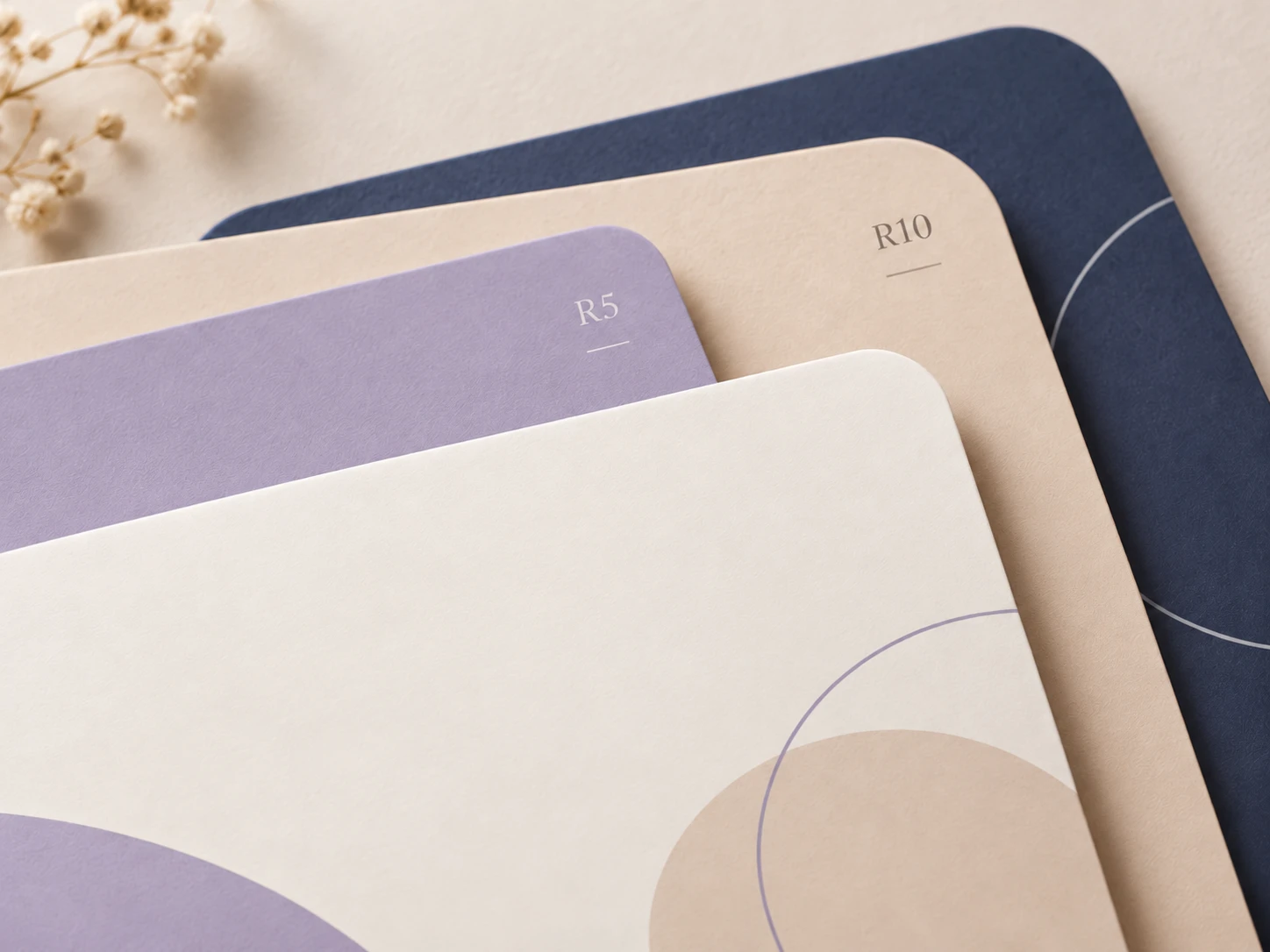
R5: Subtle Corners, Refined Details
The appeal of R5 lies in how little attention it asks for.
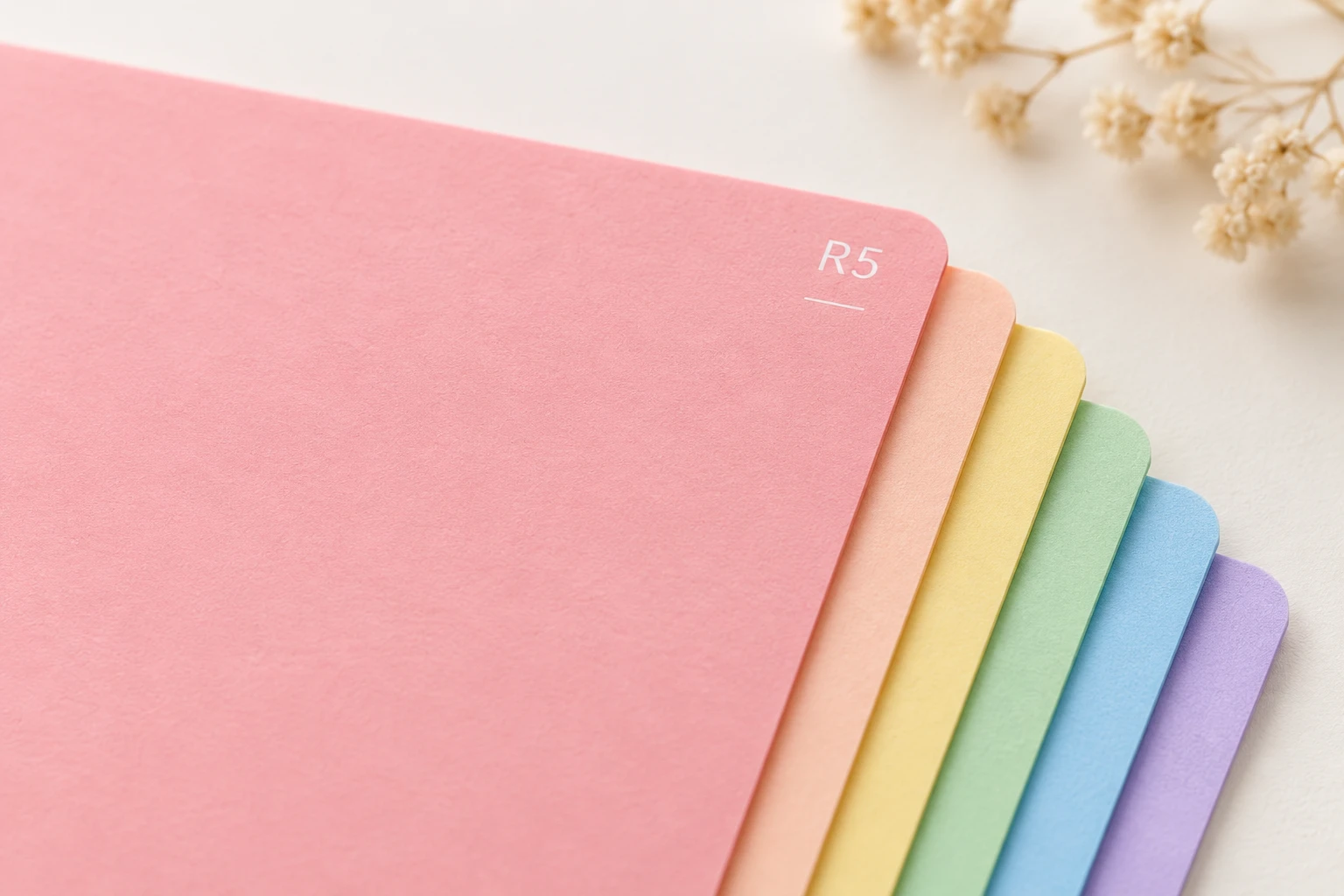
It gently softens a sharp right angle while keeping the design’s clean, defined outline. Small rounded corners often suggest simplicity, precision, order, and care.
When your artwork already includes rich colors, text, or patterns, R5 can play a supporting role. It adds a considered finishing touch without competing with the design itself.
The R5 impression: thoughtful details do not have to shout to be noticed.
R10: A Bolder Curve With More Presence
If R5 is a quiet refinement, R10 is a more visible design statement.
Its larger curve softens a square outline, making it feel less angular and more approachable. Depending on the artwork, R10 can suggest warmth, playfulness, lightheartedness, or a sense of fun.
But a larger radius does not automatically mean “cute.” Paired with restrained graphics, generous white space, and the right paper, R10 can feel elegant, contemporary, and sophisticated.
The R10 impression: the silhouette itself becomes part of the design’s personality.
One Design, Two Different Expressions
Imagine making a handwritten greeting card. With R5, it might feel neat and carefully finished, like a thoughtful little gift. Switch to R10, and the softer outline could make the card feel warmer and more inviting—even before anyone opens it.
Now imagine a printed photograph. R5 keeps the familiar rectangular outline with a discreet touch of softness. R10 gives the photo a gentler silhouette, creating a different mood when it is placed in an album or scrapbook.
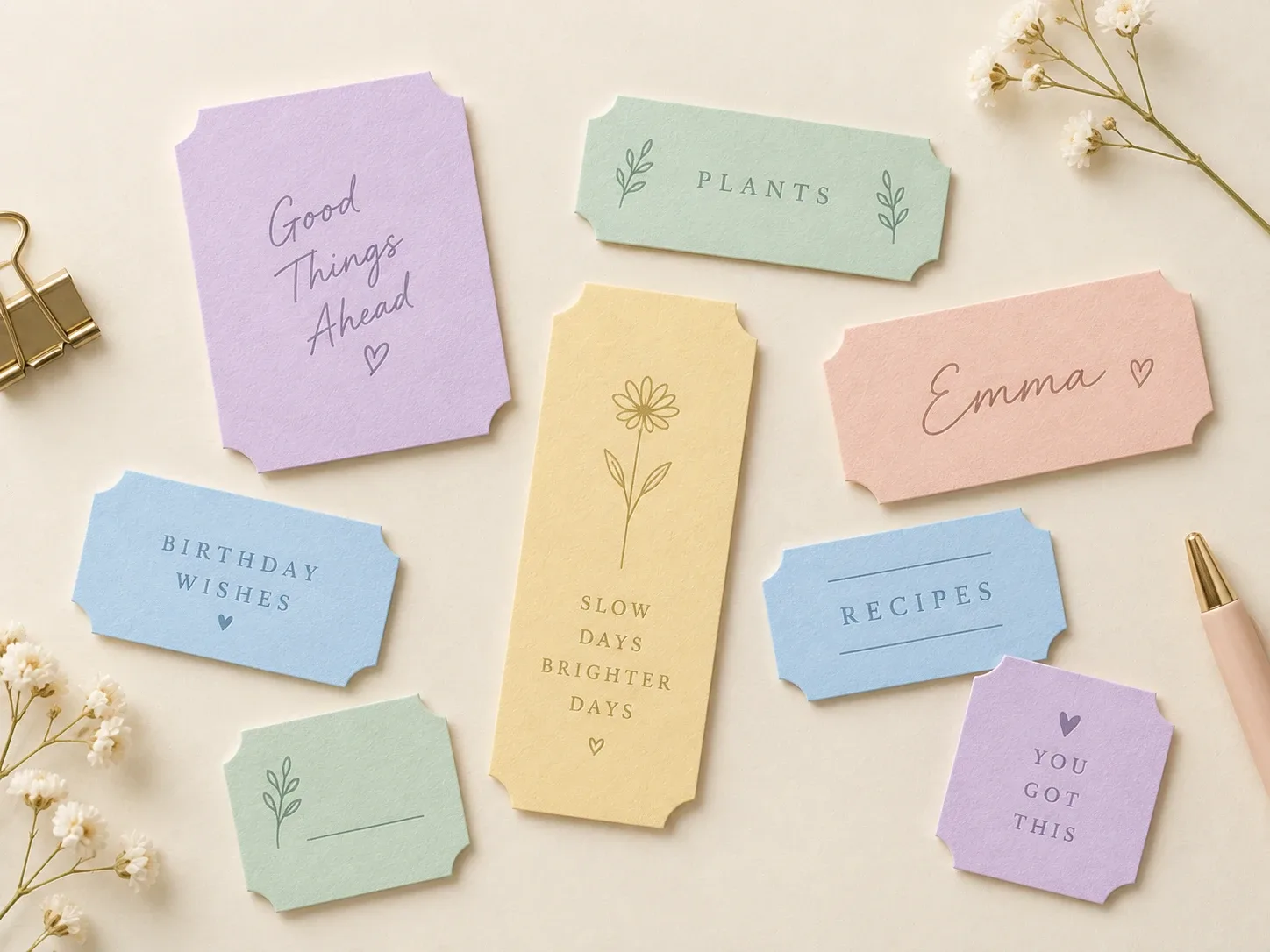
The same thinking applies to invitations, paper labels, packaging tags, keepsake cards, craft materials, and other paper creations.
It is not about assigning one radius to one product. The same design can express different personalities through different corners.
How Do You Choose Between R5 and R10?
Instead of starting with the application, ask yourself three questions.
1. What first impression do I want to create?
For a clean, composed, or precise look, start with R5. For something softer, friendlier, or more expressive, try R10.
2. Should the corners stay in the background—or become a feature?
R5 usually keeps the overall shape close to its original form. R10 makes the curve more noticeable, allowing it to become part of the visual identity.
3. Does the radius suit the size and layout?
A 10 mm radius may look dramatic on a small card but relatively subtle on a larger sheet. Consider the proportions, and keep important words and artwork away from the cutting area.
A Simple Tip: Try Both Side by Side
If you have both R5 and R10 corner cutters nearby, cut two identical sheets or cards—one with each radius—and place them next to each other.
Forget about which size is more popular for a moment. Simply look at them, pick them up, and notice how the curve changes both the appearance and the feel in your hand. Your preference may become clear almost immediately.
aidox: A Different Personality for Every Corner
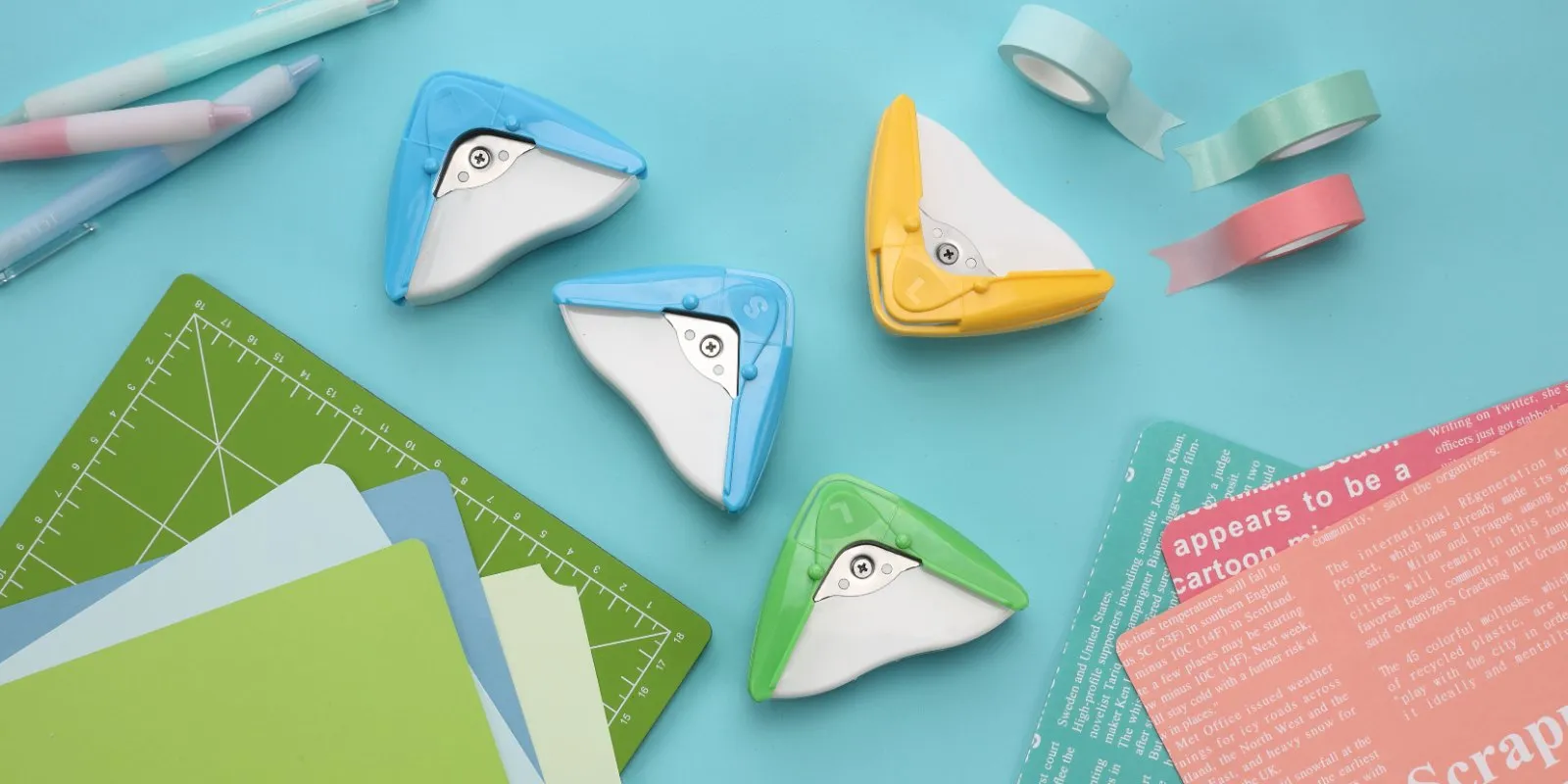
At aidox, we believe even the smallest corner deserves thoughtful design. That is why our 2-in-1 hand-held corner cutters offer two distinct choices:
- 1051 (S) — R5 small radius: Understated, simple, crisp.
- 1052 (L) — R10 large radius: Soft, rounded, welcoming.
Both models offer two cutting profiles—a rounded corner and an inverted corner—so your paper projects are not limited to just one edge treatment.
For a wider selection of corner sizes, the aidox Model 1200 desktop corner cutter accepts interchangeable R3.5, R6, and R10 corner dies. The R6 die comes standard, and changing dies lets you explore different corner styles with the same machine.
The Best Corner Is the One That Expresses Your Idea
R5 is not always more formal, and R10 is not always more playful. The impression depends on the design’s size, proportions, colors, and overall composition.
There is no universally better radius—only the one that best reflects the style you want to communicate.
Great design often lives in the smallest details.
Sometimes, changing four corners changes the entire expression of a piece.
R5 or R10? Your design. Your choice.
Comments
Thoughts on this article? Comment on our Facebook page, or send us a message.